
TOW SOFT
Tow Soft is the program we use to build, dispatch and invoice our services. When the dispatcher has completed the call taking it is sent to the driver’s tablet/phone.
-
CODE
00GLTOWAH
Gary - Lights Duty After Hours Local
$160.00 + tax
Local Towing
CODE
00GLTOWOAH
Gary - Light Duty After Hours Out-of-Town
$165.00 PER HOUR + tax
Light duty out-of-town -
CODE
00GWINAH
Gary - Light Duty After Hours Winch
$165.00 PER HOUR + taxAny light duty winching, across the board is $165.00 per hour. Winching is difficult to provide a quote too, because you NEVER have the full story. It’s imperative to always stress “this is an estimate based on the information you’ve provided to me. The price can change due to unforeseen circumstances”
-
Light duty roadside service is fuel delivery, tire change, lockout and boost.
CODE
00GLSERVAH
Gary - Light Duty After Hours Local Service
$150.00 + tax
This is strictly for in-town roadside service callsCODE
00GLTOWOAH
Gary - Light Duty After Hours Out-of-Town
$165.00 PER HOUR + tax
Light duty out-of-town
-
CODE
00GHTOWGary - Heavy Duty Towing
$225.00 PER HOUR + tax (round trip) minimum 2
-
CODE
00GHTRACGary - Tractor
$170.00 PER HOUR + tax (round trip) minimum 2
TOW SOFT TRAINING
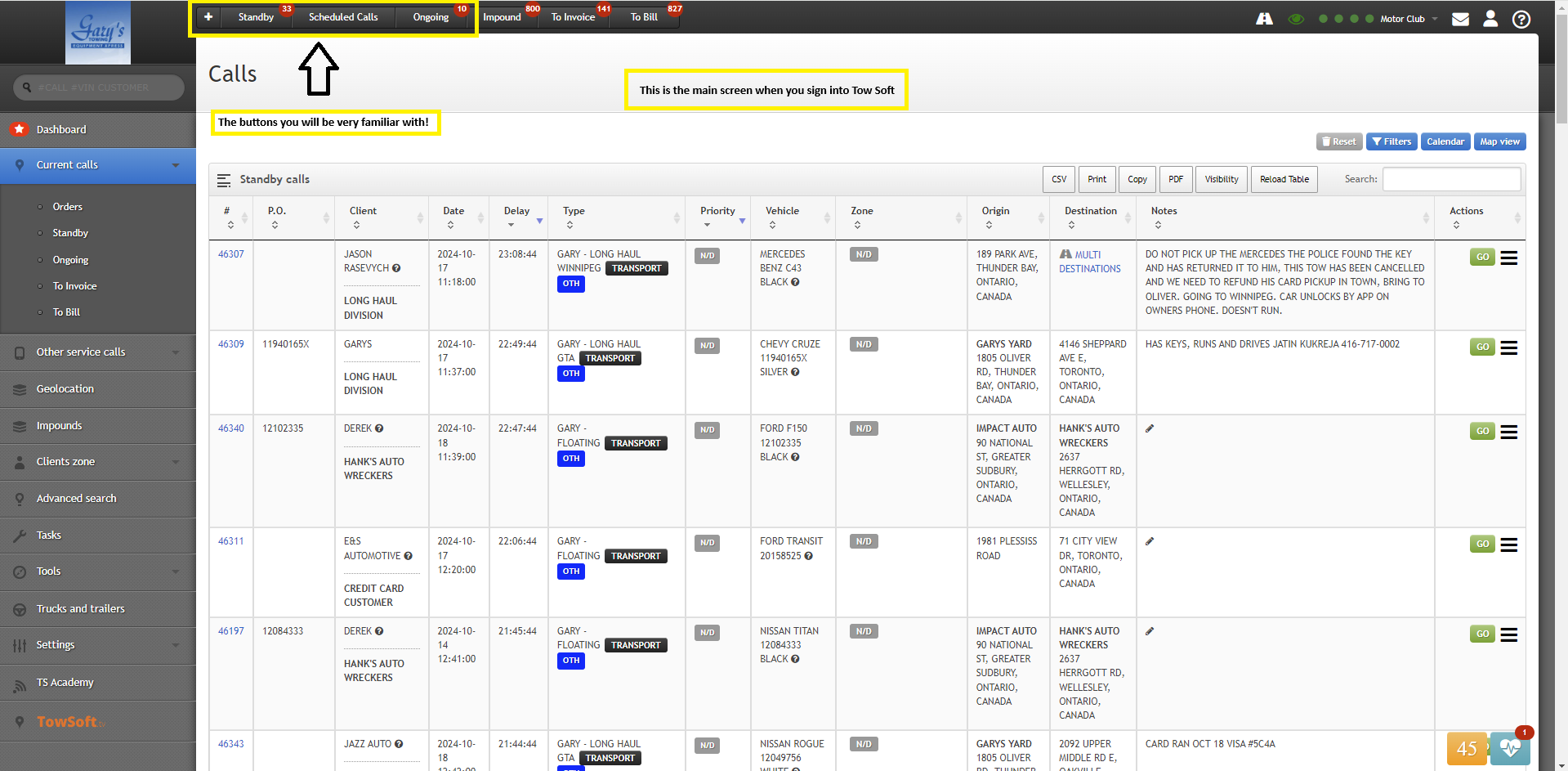
This is the main page when you sign into Tow Soft.
TOP MENU BAR
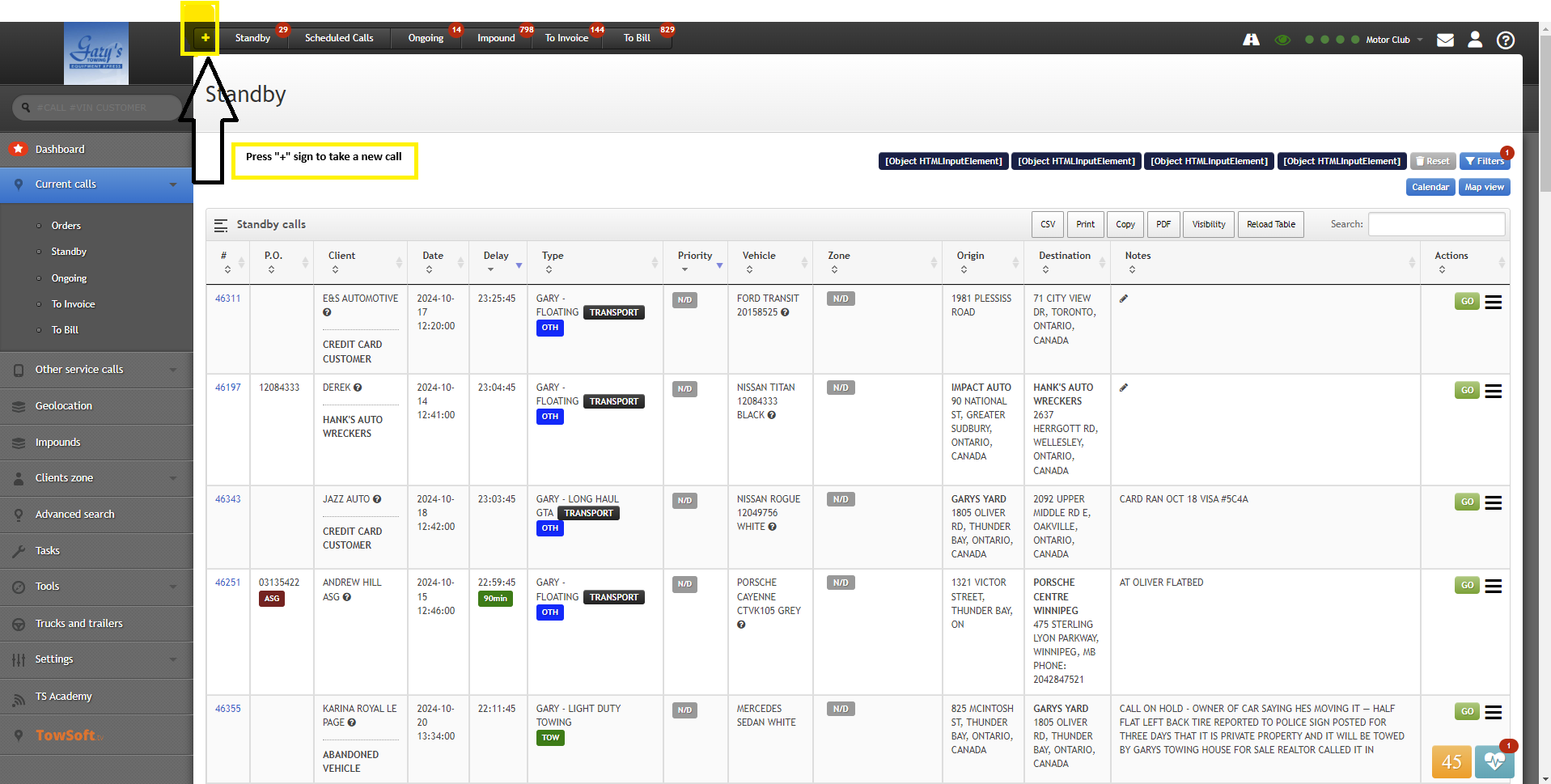
“+” = is how you build a new call
“Standby” = calls waiting
“Ongoing” = calls in progress
***no need to worry about the rest***
NEW CALL
STEP 1
PRESS + SIGN ON MENU
STEP 2
Everything you need to build a call


Press “Validate Call” button in blue on the right
STEP 3
You will be redirected to “Standby” calls - locate your call and click the call #

STEP 4
THIS IS WHAT YOUR CALL LOOKS LIKE. NOW TIME TO DISPATCH TO DRIVER. PRESS “DISPATCH” ON RIGHT

STEP 5
Select driver and truck

USE SEARCH BAR ON LEFT TO SEARCH CALL # AND OPEN CALL 46406 ON TOW SOFT TO SEE THE SAMPLE CALL

